


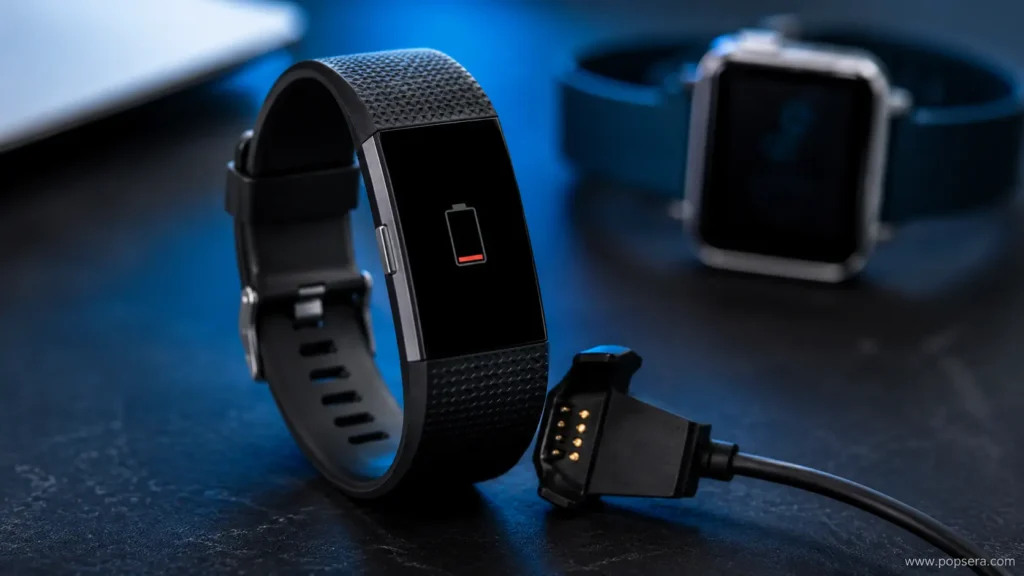

A Fitbit that will not charge is usually dealing with one of four things: dirty charging contacts, a bad cable connection, a drained battery that needs time to wake up, or a frozen device.
The good news is that most charging problems do not mean the tracker is dead. Before replacing it, run through the basics in the right order: clean the back of the device, test the charger, give a fully drained battery time, then restart the Fitbit while it is connected to power.
Start with the part everyone forgets: the charging contacts
Fitbits collect sweat, lotion, dust, lint, and skin oil exactly where they need a clean connection: the small gold contacts on the back of the tracker or watch. If those contacts are coated, the charger may snap into place but still fail to deliver power.
Google’s Fitbit support recommends cleaning the gold dots on the back of the device and the pins on the charger. Use a cotton swab with a small amount of rubbing alcohol, then let everything dry before plugging it back in. If buildup is stubborn, Google also suggests gently using a pencil eraser on the gold contacts, then brushing away every bit of debris before charging again.
Do not soak the device. Do not scrape the contacts with a knife, pin, or anything sharp. The goal is to remove buildup, not damage the metal.
If the screen is black, leave it plugged in longer than you think
A Fitbit battery that has dropped all the way to 0% may not light up immediately. That can make it look like nothing is happening, even when the device is slowly starting to recover.
Google’s charging guidance says to plug the device into a standard wall outlet and leave it on the charger for a full hour. It also notes that if the battery is completely empty, the screen may stay black for several minutes after you first connect it.
That detail matters because a lot of people unplug too soon. If the Fitbit has been sitting in a drawer for weeks or months, give it time before assuming the battery has failed.
Check the cable before blaming the Fitbit
The charging cable is often the weak link. Fitbit chargers use small pins that need to line up cleanly with the back of the device. If one pin is stuck, pushed down, dirty, or bent, the Fitbit may flash a battery icon once and then stop charging.
Unplug the cable and gently press the gold pins with your finger. They should spring back up immediately. If a pin stays down or feels stuck, the charger may need to be replaced.
Also test a different power source. A laptop USB port, power strip, or old wall adapter can be the problem. Try a standard wall outlet with a reliable USB adapter, preferably the original Fitbit charging cable if you still have it.
Restart the Fitbit while it is connected to power
If the contacts and cable look fine, the device may be frozen rather than truly dead. A restart can clear that without deleting your fitness data.
For many newer Fitbit trackers, including Charge 5, Charge 6, Luxe, and Luxe Special Edition, connect the device to the charging cable, press the small button on the flat end of the charger three times, pausing one second between each press, then wait about 10 seconds for the Fitbit logo.
For Fitbit Sense and Versa models, keep the watch connected to the charger and hold the physical side button for about 10 seconds. Release it when the Fitbit logo appears.
If your model uses a different restart method, check the official Fitbit restart guide before trying random button combinations. Older Charge, Inspire, Alta, Flex, and Versa models do not all restart the same way.
What if your Fitbit shows a red X?
A red “X” is a different clue. Google says that can appear when the device software has frozen during a data transfer. In that case, the fix may involve removing the device from the Google Health app, forgetting it from your phone’s Bluetooth settings, and setting it up again.
That is not the first step for a normal charging issue. Try cleaning, charging for a full hour, checking the cable, and restarting first. But if the red “X” is on-screen, treat it as a software freeze rather than a simple low-battery problem.
When it is probably a hardware problem
If your Fitbit still will not charge after the contacts are clean, the charger pins spring back normally, the device has sat on a wall charger for an hour, and the restart method does nothing, the problem may be hardware.
At that point, the likely suspects are a failed charging cable, worn charging contacts, or an aging battery that no longer holds a charge. Rechargeable batteries do not last forever, and older trackers that have been through years of daily charging are more likely to hit this point.
The safest next step is to contact Fitbit support or check the device’s warranty status through Google’s Fitbit support tools. If the tracker is out of warranty, replacing the cable is usually the cheaper test before replacing the entire device.
The quick order to try
- Clean the Fitbit’s gold contacts and the charger pins.
- Let the device dry fully before charging.
- Plug it into a standard wall outlet for a full hour.
- Check whether the charger pins spring back when pressed.
- Try the official restart method for your Fitbit model.
- Contact support if nothing changes.
Most Fitbit charging problems are boring, not catastrophic. A dirty contact or weak cable can make the device look dead. Start there before writing it off.